Skip to content

Pam Allen Online

Join FACEBOOK Group
  • Start Here
  • Canva- Tips & TricksExpand
    • Printables
  • Blog
  • About Pam
  • The Template Treehouse
Facebook Twitter Instagram TikTok
Pam Allen Online

Canva Organization

Canva Tips You’ll Wish You Knew Sooner (Fonts, Gradients, 3D)
Canva- Tips & Tricks

Canva Tips You’ll Wish You Knew Sooner (Fonts, Gradients, 3D)

Do you love Canva Tips? Well, you came to the right blog! Stuck on what font to use, or how…
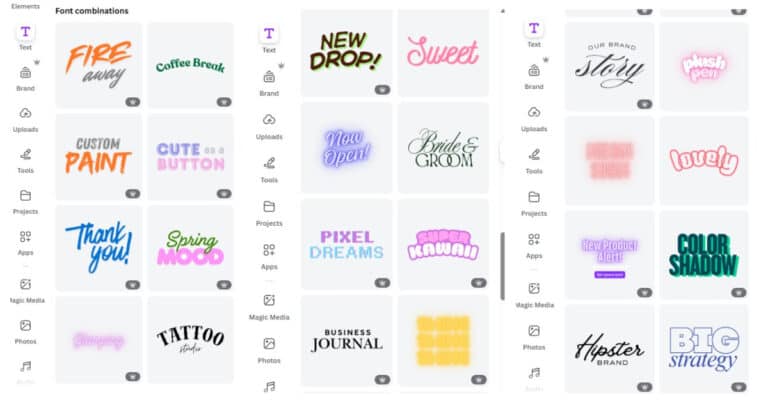
Read More Canva Tips You’ll Wish You Knew Sooner (Fonts, Gradients, 3D)Continue

A woman sits at a desk with a dual-monitor setup, likely managing content and productivity tools, symbolizing the workflow benefits of connecting Google Drive to Canva. Her organized workspace, filled with plants, books, and notes, reflects creative efficiency in digital design environments.
Business Resource · Canva- Tips & Tricks · Content Creation

Connecting Google Drive to Canva: Step-by-Step for 2025

Let’s talk about one of my favorite quick wins—connecting Google Drive to Canva. If you’ve ever thought, “Where did I…
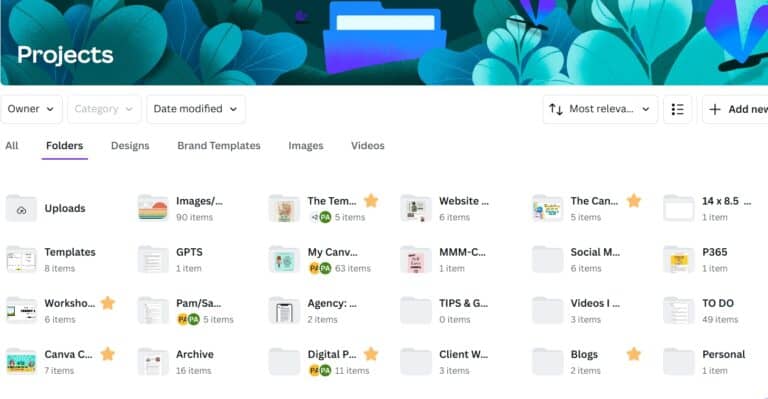
Read More Connecting Google Drive to Canva: Step-by-Step for 2025Continue

Canva Organization Hack #1: Delete Your Uploads
Canva- Tips & Tricks

Canva Organization Hack #1: Delete Your Uploads

Hey there! Have you ever opened Canva, ready to create something amazing, only to encounter chaos with your uploads? Trust…

Read More Canva Organization Hack #1: Delete Your UploadsContinue

Copyright © 2026 · Pam Allen Online · Hello You Designs

  • Privacy Policy
  • Terms & ConditionS
Scroll to top
  • Blog
  • About Pam
  • Canva- Tips & Tricks
  • Template Treehouse
  • Contact Pam
Search