Skip to content

Pam Allen Online

Join FACEBOOK Group
  • Start Here
  • Canva- Tips & TricksExpand
    • Printables
  • Blog
  • About Pam
  • The Template Treehouse
Facebook Twitter Instagram TikTok
Pam Allen Online

Canva

Canva Home Page for Beginners: A Step-by-Step Guide
Canva- Tips & Tricks

Canva Home Page for Beginners: A Step-by-Step Guide

Hey there! Are you just starting out with Canva and feeling a little lost? Don’t worry, you’re not alone! Canva…

Read More Canva Home Page for Beginners: A Step-by-Step GuideContinue

Unlock Canva Mockups: A Beginner’s Guide + DIY Tricks!
Canva- Tips & Tricks · Printables

Unlock Canva Mockups: A Beginner’s Guide + DIY Tricks!

Have you ever wanted to showcase your designs in a professional and eye-catching way? Then you need to know about…

Read More Unlock Canva Mockups: A Beginner’s Guide + DIY Tricks!Continue

The Template Treehouse Your Content Creation Secret Weapon
Business Resource

The Template Treehouse: Your Content Creation Secret Weapon

Ditch the Blank Screens and Cringy PLR! Tired of starting from scratch or wrestling with low-quality PLR that screams “meh”?…
Read More The Template Treehouse: Your Content Creation Secret WeaponContinue

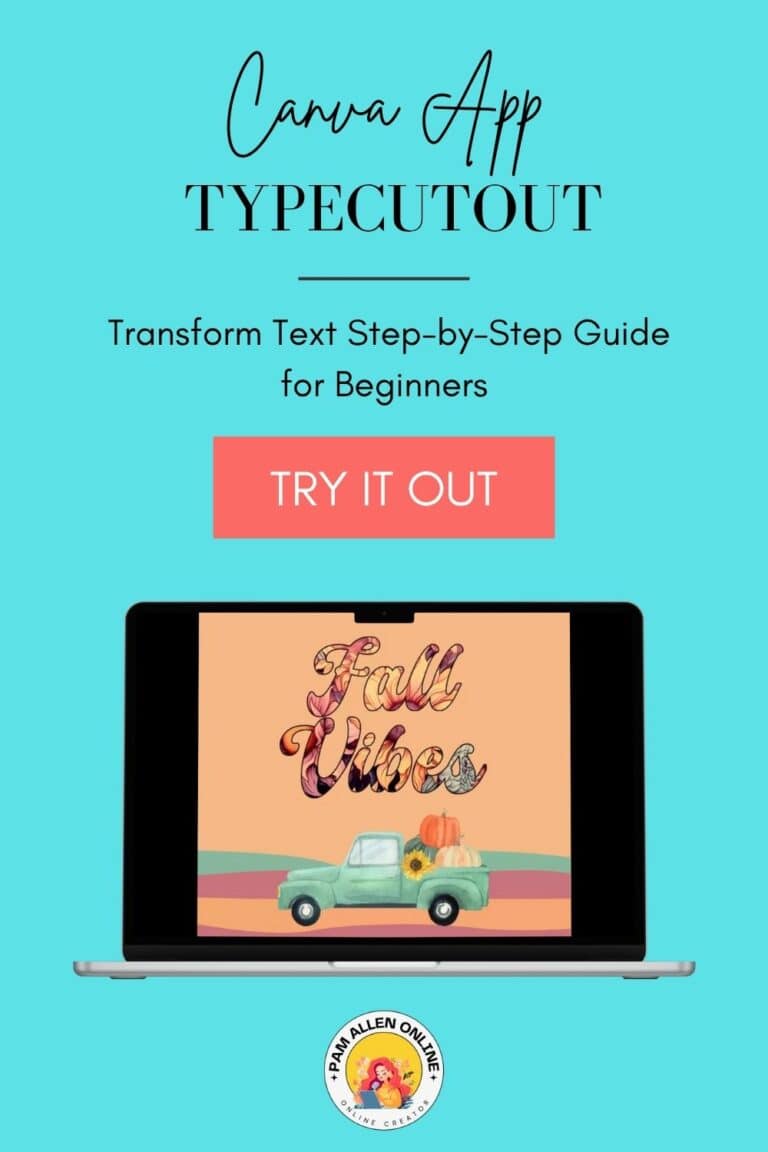
Canva Typecutout App: Transform Text
Canva- Tips & Tricks · Content Creation

Canva Typecutout App: Transform Text

Hey everyone! I’m super excited to share one of the coolest Canva apps I’ve recently stumbled upon: TypeCutOut! This app…

Read More Canva Typecutout App: Transform TextContinue

How to Use Magic Grab in Canva for Unique Images
Canva- Tips & Tricks · Content Creation

How to Use Magic Grab in Canva for Unique Images

Hey there! Have you ever felt stuck on how to make your images stand out using Canva? Are you curious…

Read More How to Use Magic Grab in Canva for Unique ImagesContinue

Master Canva’s Bulk Create to Supercharge Your Social Media Game
Canva- Tips & Tricks · Content Creation

Master Canva’s Bulk Create to Supercharge Your Social Media Game

I want to talk about a tool that’s been a huge time-saver for me: the Canva Bulk Create feature. Save…

Read More Master Canva’s Bulk Create to Supercharge Your Social Media GameContinue

Canva's Design to Image App: The Ultimate Time-Saver for Busy Creators [VIDEO]
Canva- Tips & Tricks · Content Creation

Canva’s Design to Image App: The Ultimate Time-Saver for Busy Creators [VIDEO]

Hey there, it’s Pam and WOW I have a cool trick to show you today! A Canva App called Design…

Read More Canva’s Design to Image App: The Ultimate Time-Saver for Busy Creators [VIDEO]Continue

How to Create Social Media Images in Canva
Business Resource · Canva- Tips & Tricks · Content Creation

How to Create Social Media Images in Canva

Hello, everyone! It’s Pam here with a quick yet powerful tutorial. Today, I’ll demonstrate how to create 30 social media…
Read More How to Create Social Media Images in CanvaContinue

How to HIDE templates in Canva
Canva- Tips & Tricks

How To HIDE TEMPLATES in Canva

Is your Canva dashboard filled with templates owned by others and you can’t get them OFF? There is no delete…

Read More How To HIDE TEMPLATES in CanvaContinue

Picked the Magic Design I want to use
Canva- Tips & Tricks

How To Use Magic Design AI Tool In Canva

Hey, it’s your Canva Geek Pam here. I’m going to walk you through Canva’s Magic Design AI Tool. But first,…

Read More How To Use Magic Design AI Tool In CanvaContinue

Page navigation

Previous PagePrevious 1 2 3 Next PageNext

Copyright © 2026 · Pam Allen Online · Hello You Designs

  • Privacy Policy
  • Terms & ConditionS
Scroll to top
  • Blog
  • About Pam
  • Canva- Tips & Tricks
  • Template Treehouse
  • Contact Pam
Search